Layers
Every maze is painted from seven independent layers, each with its own color, width and corner style. This page walks the stack from back to front, with each layer isolated so you can see exactly what it contributes.
How the layers stack#
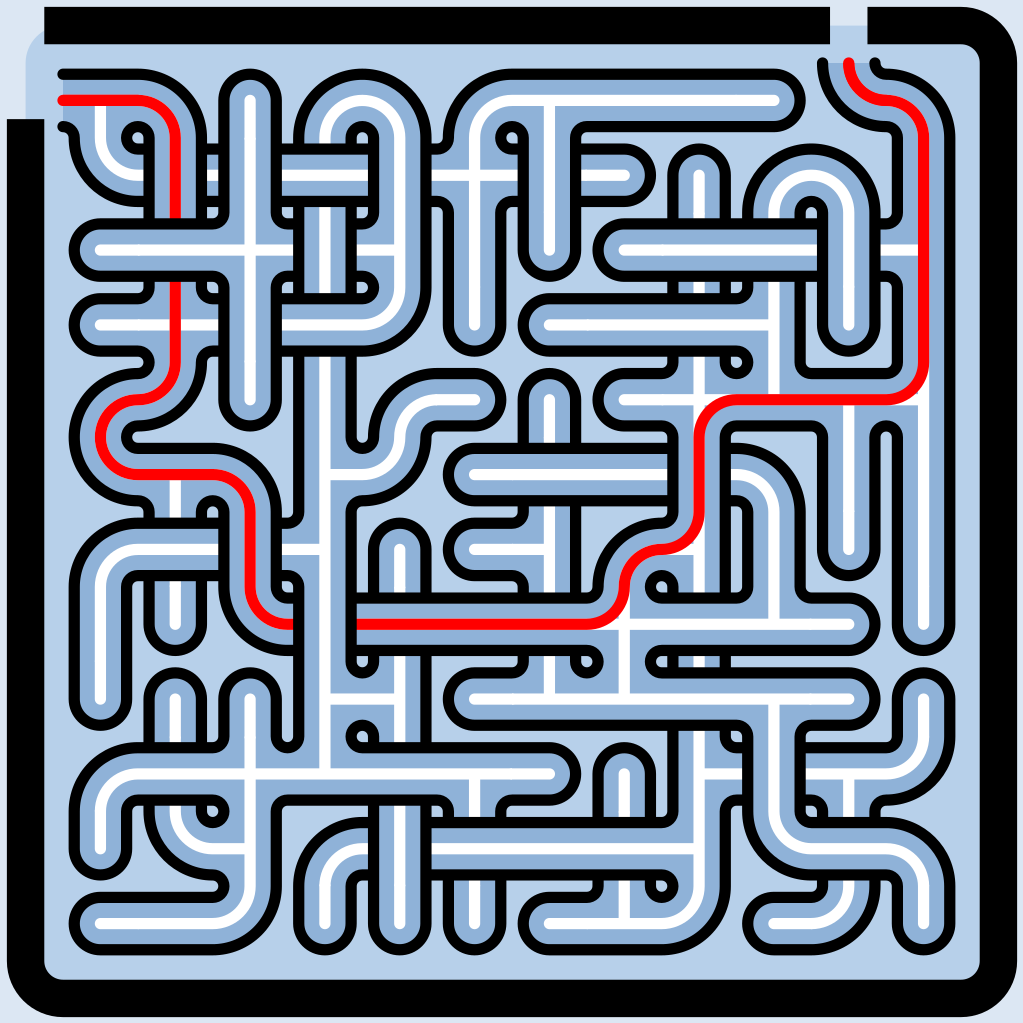
Layers draw back to front: Canvas, then Background, Border, Interior, Passages, Solution — and finally Walls, on top of everything. Each is independently styleable, and any layer can be turned off entirely.
The Backdrop group#
The studio groups the three outermost layers — Canvas, Border and Background — under one Backdrop section, ordered outer → edge → inner. If you’ve used the engine directly you may know them by their internal names: background, contour and profile.
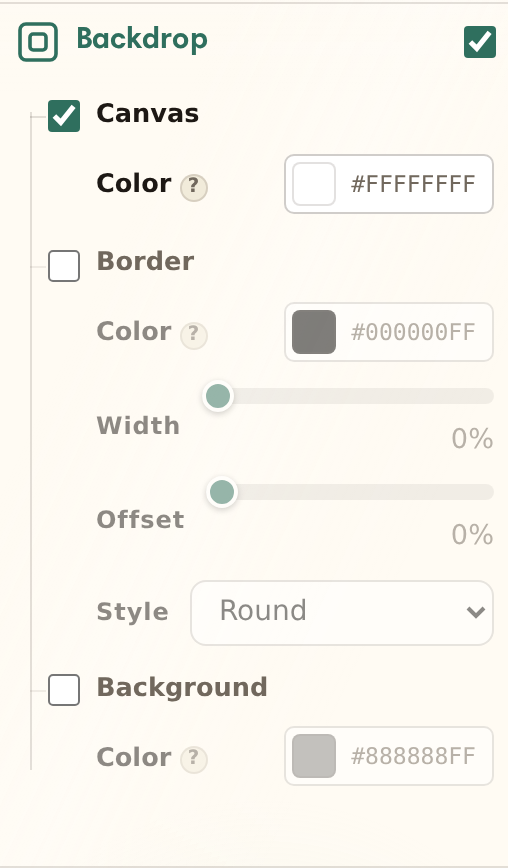
Canvas#
The canvas is the whole output surface — everything behind the maze. It defaults to transparent: the studio shows a checkerboard there, and exports simply have no backdrop until you give the canvas a color.
Border#
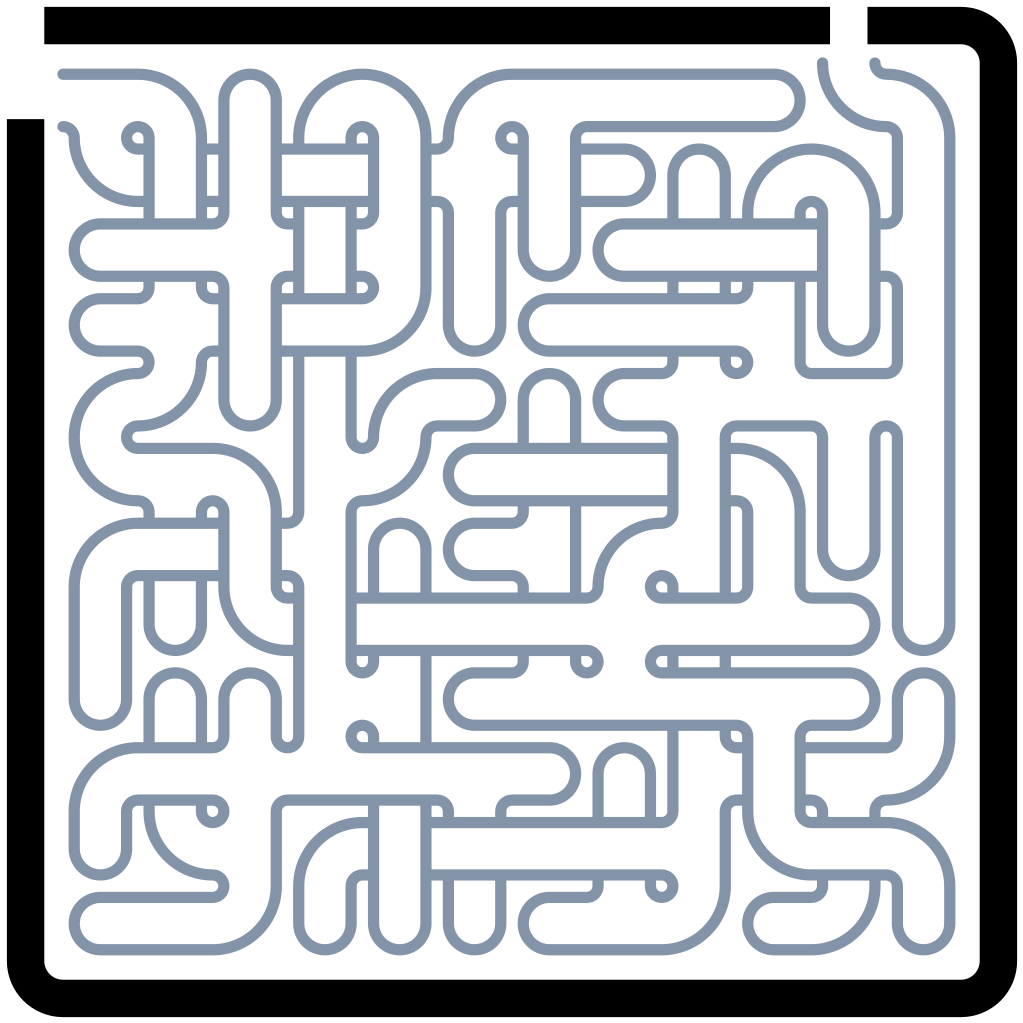
The border is an outline traced around the maze’s silhouette. Two controls shape it: Offset places the line — the distance from the maze’s edge to the stroke’s centerline, in cell-size units — and Width sets how thick the stroke is.
The part people trip on: Offset positions the centerline, and Width thickens the stroke evenly around it — half of any extra width grows inward toward the maze, half outward. So the visible gap between maze and border is offset − width / 2, and a wide border at a small offset can close right up to the maze’s edge. On diamond grids the corners reach about 1.4× further, so the frame clears the points.
Background#
The background fills the maze’s silhouette itself — the shape the cells occupy, sitting under everything inside the border. With a shaped maze (see Shapes & masks) this is what tints the silhouette. Off by default.
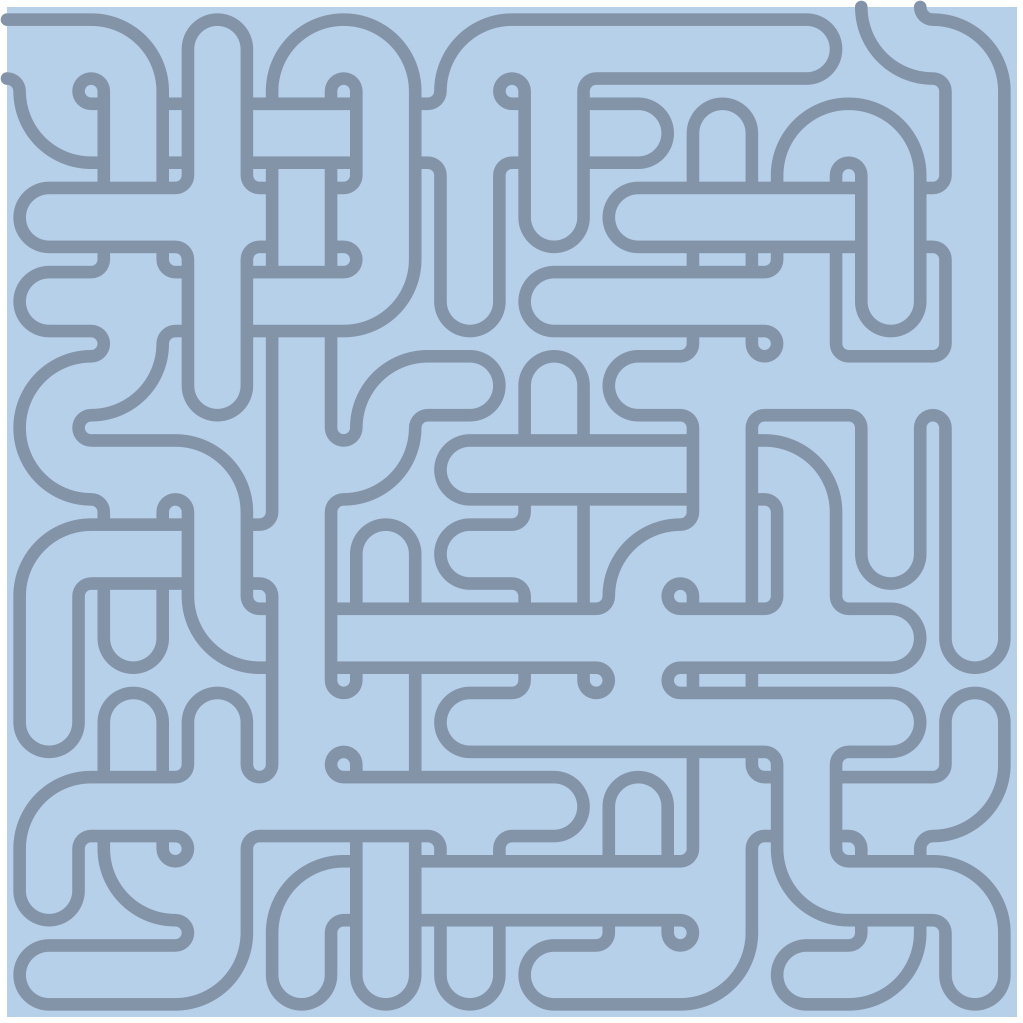
Interior#
The interior is the floor of the cells — the surface the corridors are carved through. Its width control insets it from the walls, and its corner style decides whether that inset is squared or rounded.
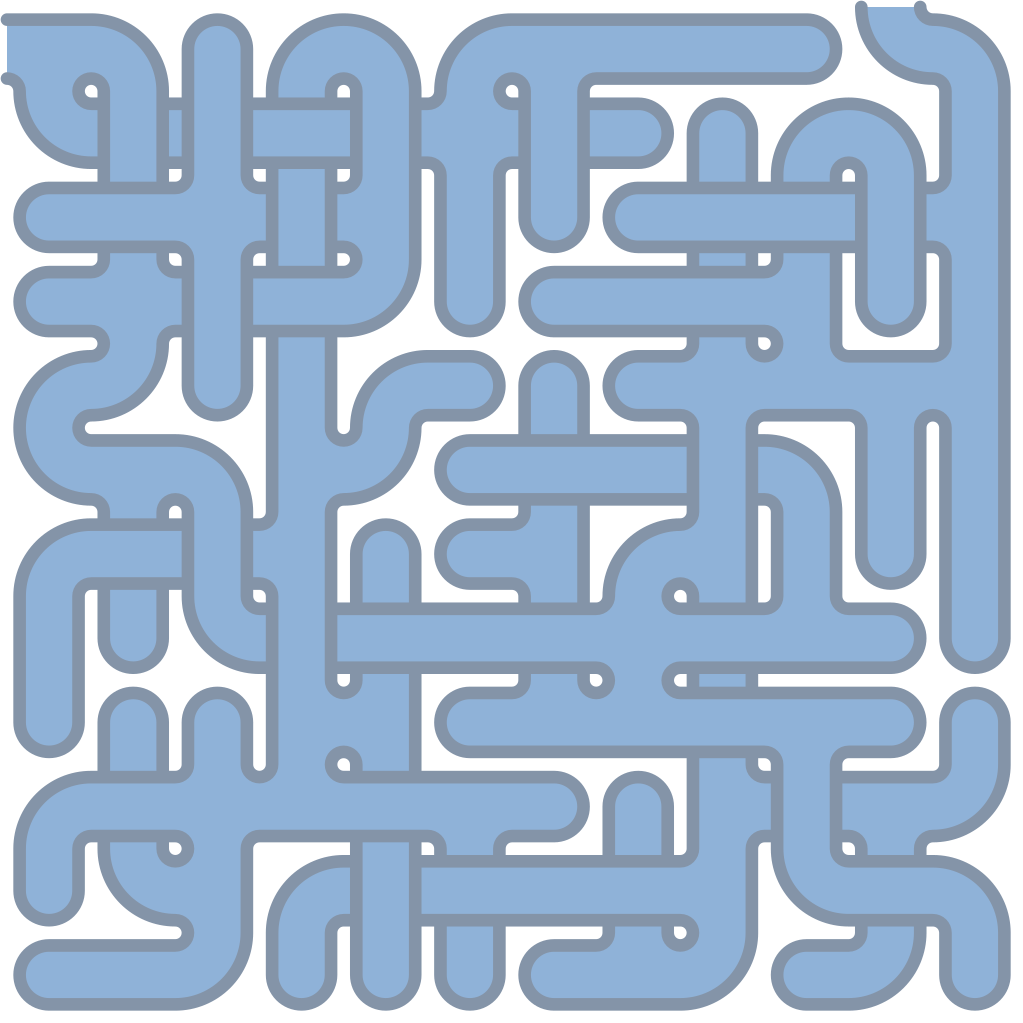
Passages#
The passages layer paints the open corridors — the routes you can actually walk. This is the paint for corridors; the knobs that decide how corridors form (loops, crossings, long runs) live on Passages & structure.
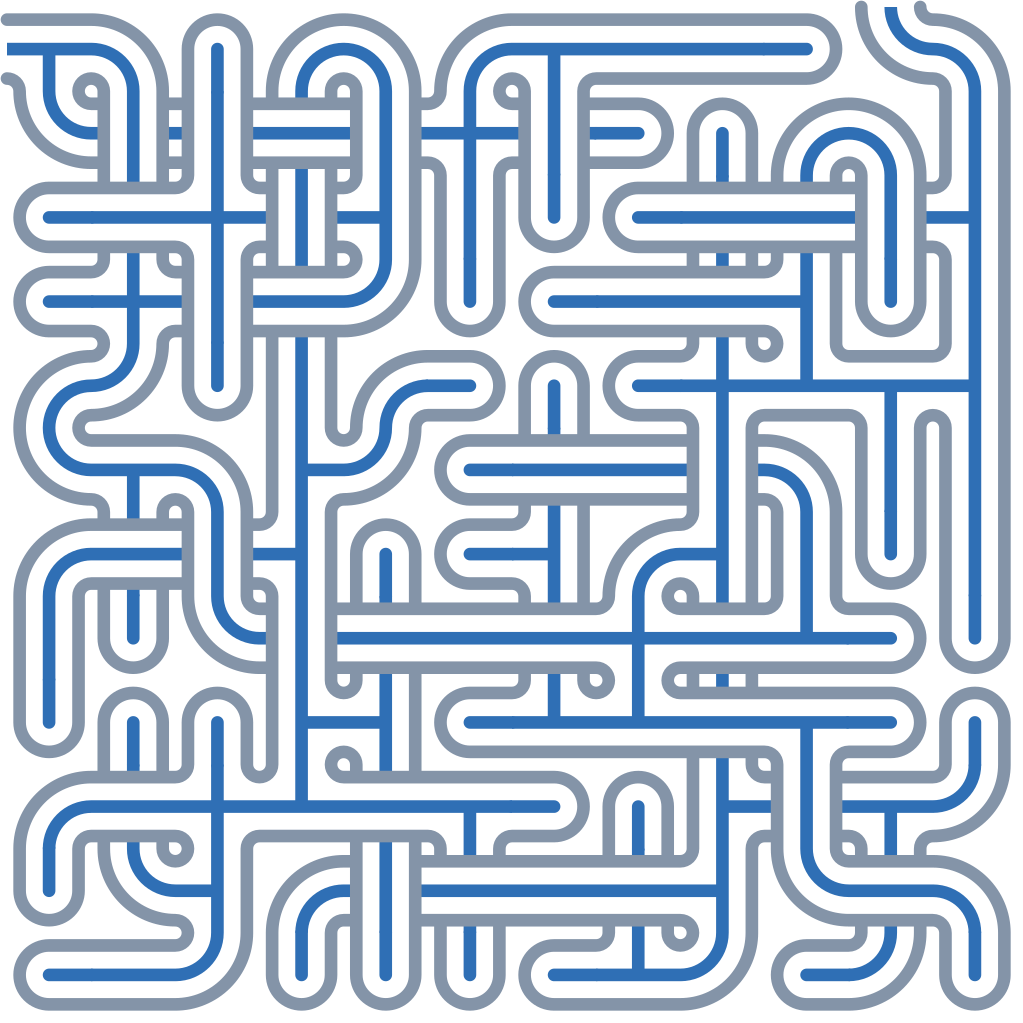
Walls#
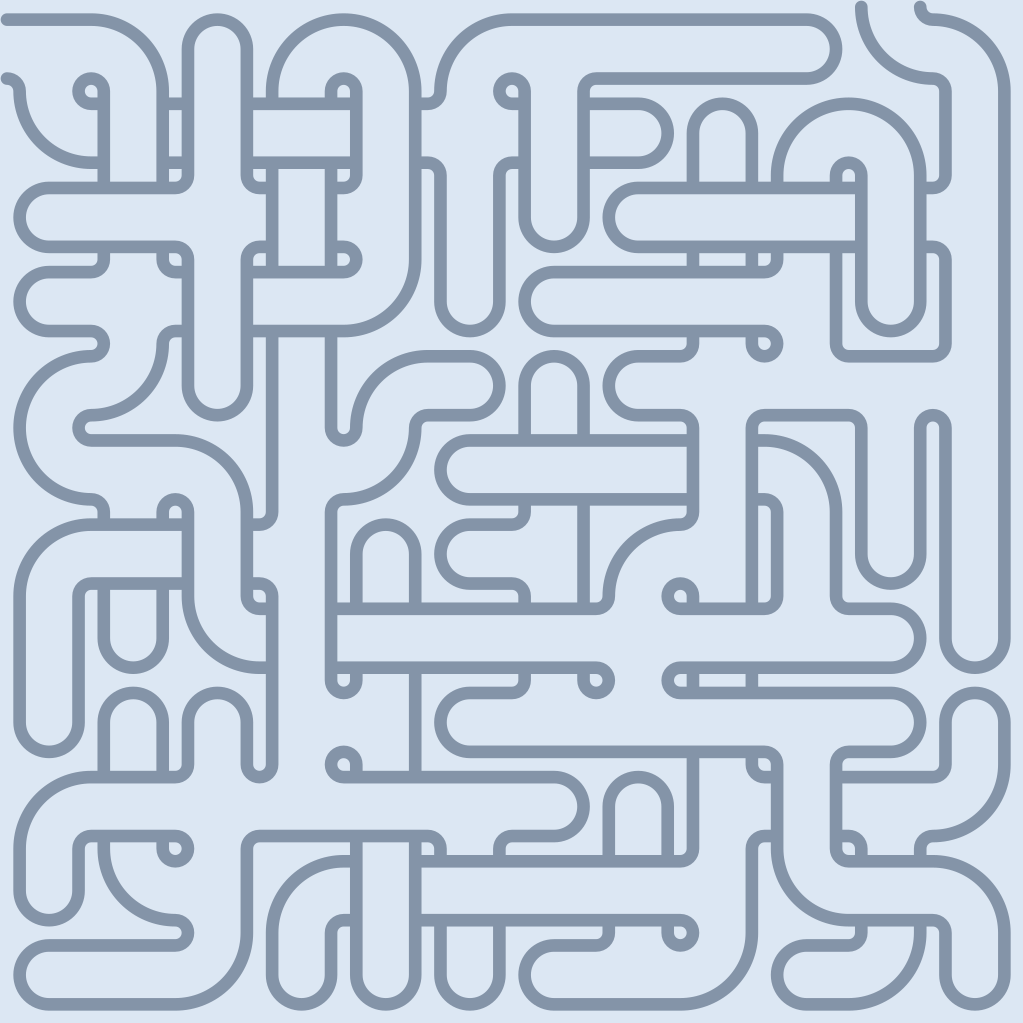
The walls are the maze. They default to black, carry their own width and corner style, and — because they paint last — sit above every other layer, including the solution.

Solution#
The solution overlays the shortest route between entry and exit (defaulting to red). It paints just beneath the walls, and you can export a solved variant alongside the unsolved maze. Endpoint choice lives on Entry, exit & solution.
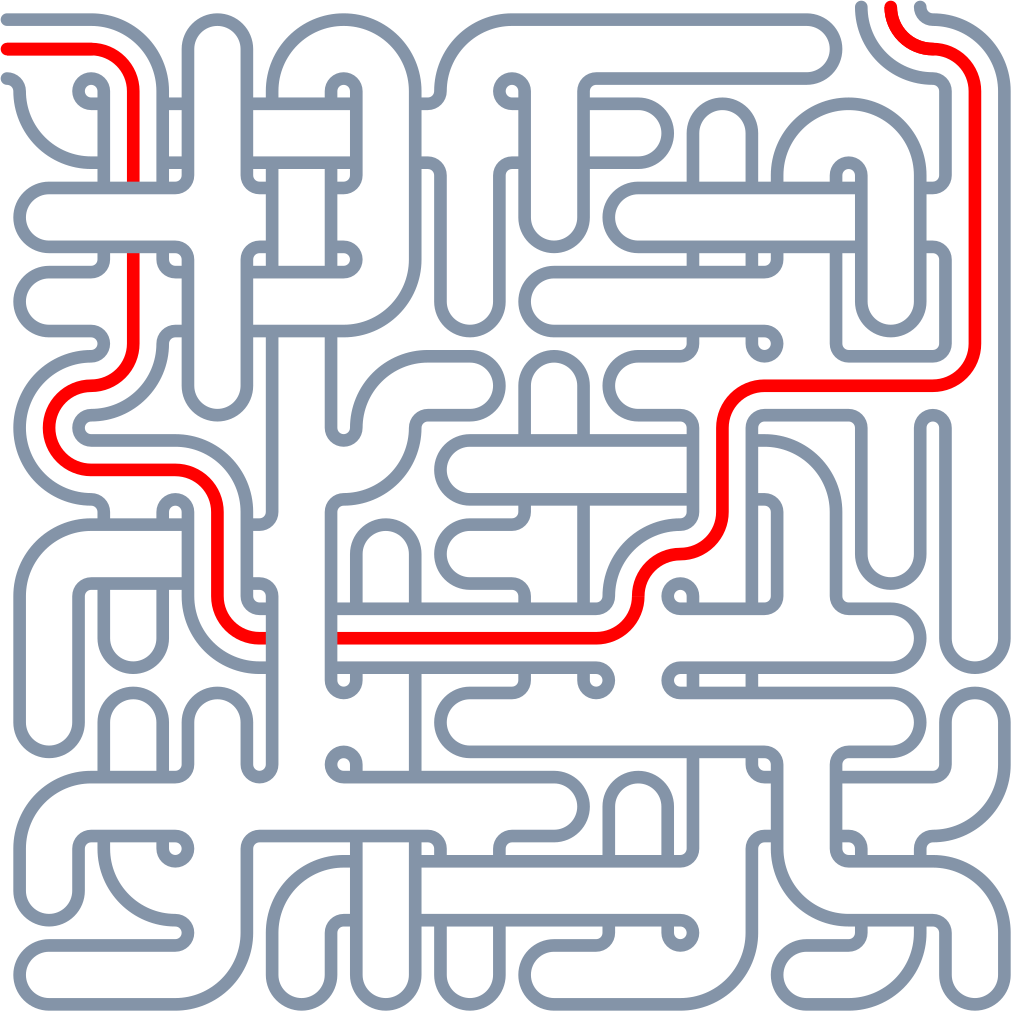
Widths & corners#
Every width on this page is a percentage of cell size, so a recipe scales cleanly from a business card to a poster.
- Round corners are real rounded geometry — curves that preserve straight runs, not clipped corners.
- Square corners keep every join crisp and technical.