Topology
Topology is the shape of the cells your maze is built from. Five grids ship with the studio, and the one you pick decides how the maze looks, how it feels to solve, and — for two controls — what the studio can even offer you.
Choosing a grid#
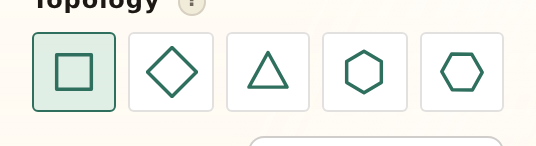
Topology sits at the top of the Maze section as a row of five icons — one per grid, and one always chosen. It’s a set of radio buttons rather than a dropdown, so every option is visible at once and the arrow keys step through them.
Changing the grid rebuilds the maze — the rest of your recipe comes with it. Size, seed, shape, endpoints and all your colors survive the switch untouched.
Square#
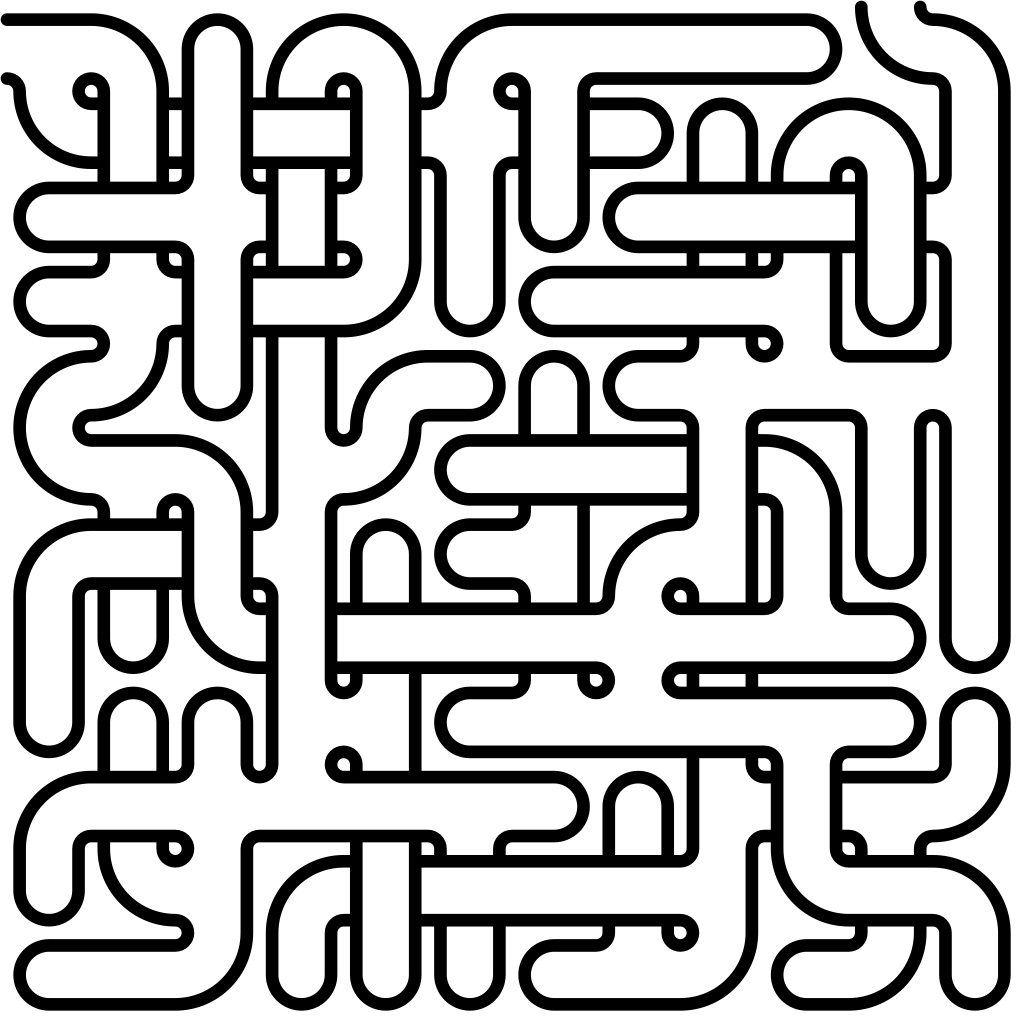
The grid everyone pictures when they hear “maze”. Each cell has four neighbours — up, down, left, right — and every corridor runs at a right angle, which is exactly why it reads so cleanly at small sizes.
It’s the safest choice for anything printed small or solved by children, and it’s one of only two grids that can weave passages over and under each other.
Diamond#
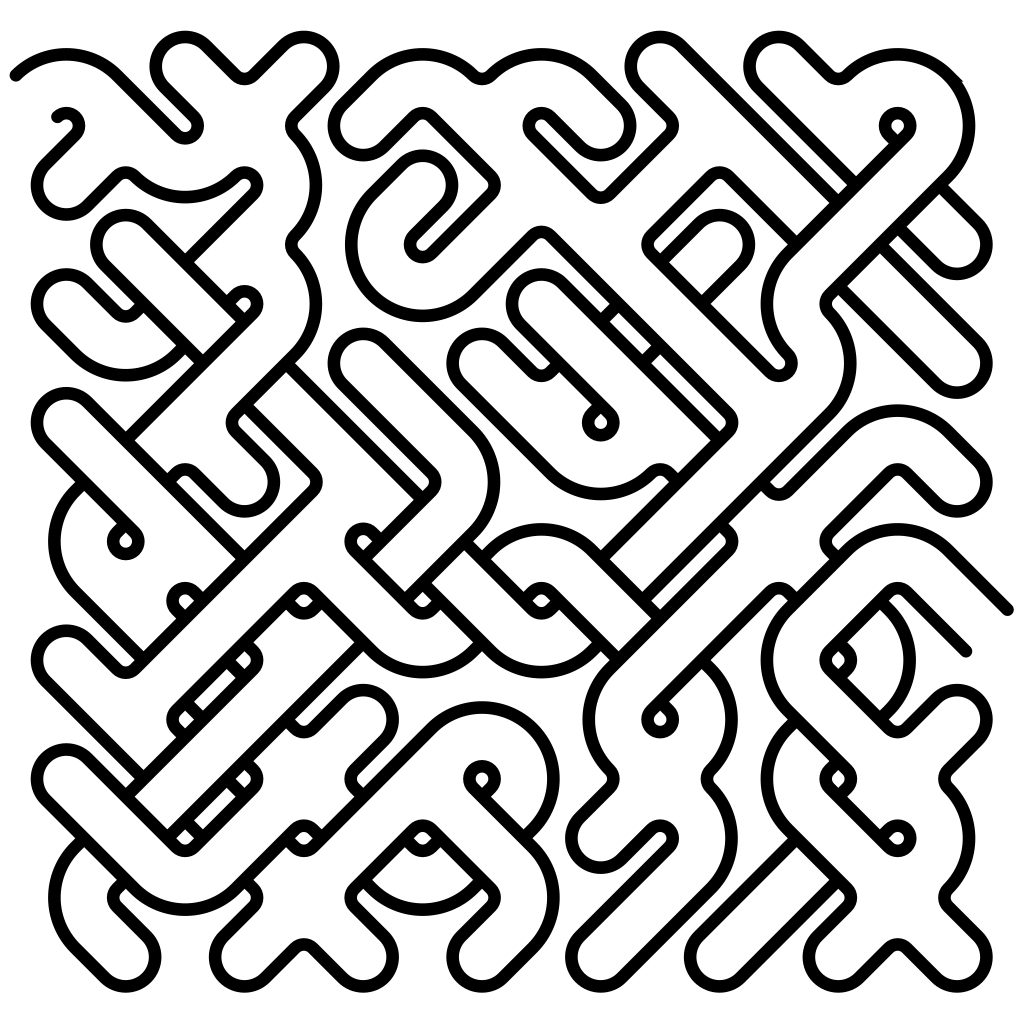
Squares stood on their corners and tiled edge to edge. Still four neighbours, but they sit on the diagonals — up-left, up-right, down-left, down-right — so every corridor runs at 45° and the whole maze reads as a zigzag.
Rows interleave, which gives the outer edge a serrated, woven look that suits decorative work. Diamond is the second grid that can weave, so everything square can do structurally, diamond can too.
Triangle#
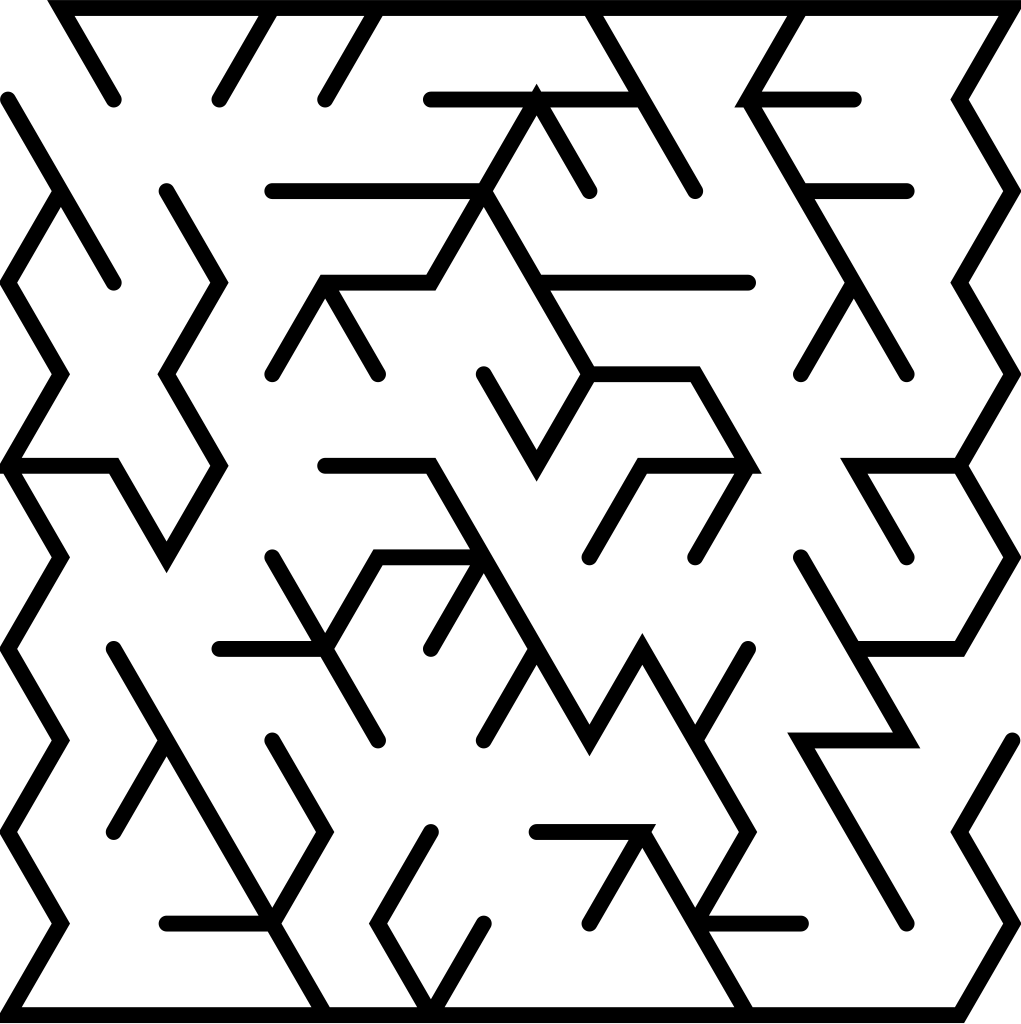
Triangles alternate point-up, point-down across the grid, fitting together like a folded fan. Each cell has just three neighbours: left, right, and one vertical partner — below a point-up triangle, above a point-down one.
Fewer exits per cell means fewer decisions and longer committed runs, so a triangle maze tends to sweep rather than fidget. Up close the texture is unmistakably faceted — closer to stained glass than to graph paper.
Hex#
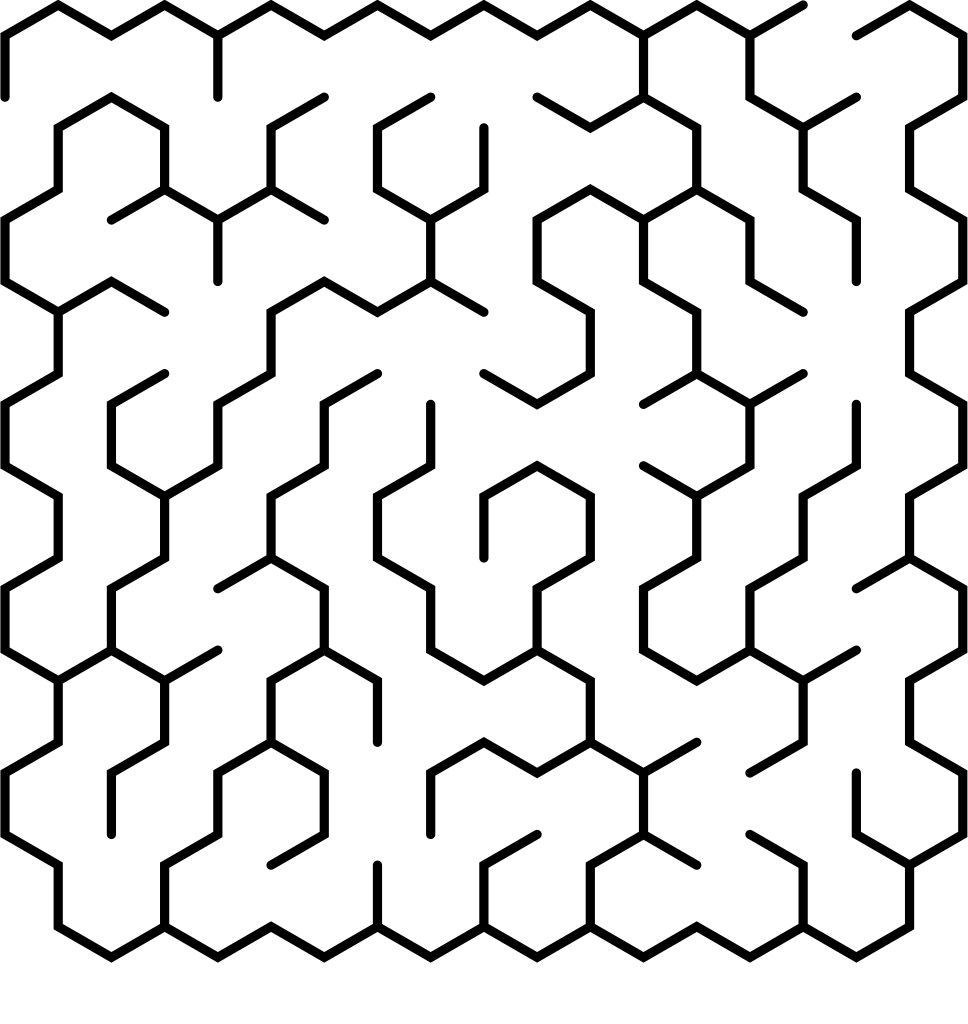
Honeycomb: pointy-top hexagons in offset columns. Six sides means six neighbours — straight east and west, plus the four diagonals — which is the most choice any grid here offers.
All that choice makes hex mazes branch generously. They feel roomy and organic to solve, with few long straight runs and a lot of gentle wandering. A hex grid can’t weave, but it rarely needs the complexity: six ways out of every cell is plenty.
Hex (flat)#
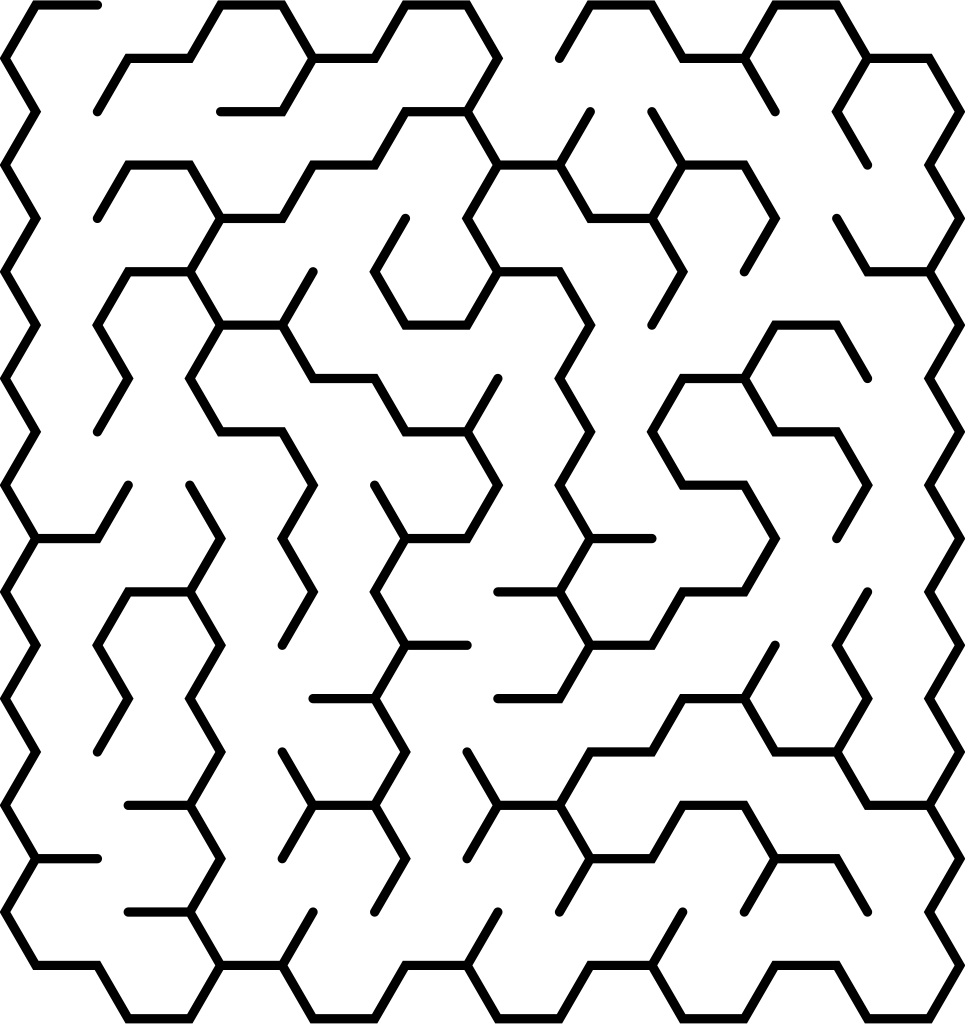
The same hexagon, resting on a flat edge instead of a point. Still six neighbours — straight up and down, plus the four diagonals — and the cells stack into columns rather than rows.
Solving it feels identical to Hex; the difference is entirely visual. Try both and keep whichever honeycomb sits better in your frame — the grain runs one way in each, and on a tall or wide canvas that shows.
What changes with the grid#
Most of the studio doesn’t care which grid you’re on. Two families of controls do, and for the same reason: they need somewhere to put a crossing.
Weave crossings & loops#
A square or diamond cell has room for two levels — the engine calls them decks — so one passage can pass over another without meeting it. That’s what makes weave crossings possible, and both Cross-passages and Loops are built on it.
Triangle and both hex grids are single-level, so those two sliders aren’t greyed out on them — they simply aren’t there. The studio only offers controls the current combination can honor. What each slider does is covered on Passages & structure.
Single-path mazes#
The Single path setting in the Advanced section — Off · Unicursal · Serpentine · Woven — is square and diamond only. On the other three grids the picker offers Off alone, with a “Square & diamond only” note beside it. The modes themselves are explained on Unicursal mazes.
Everything else is grid-agnostic. On all five you can:
- grow the maze inside a shape — see Shapes & masks, which re-fits your silhouette to whichever grid you choose;
- place entry and exit by hand, or let the longest route pick them;
- bias the generator toward long passages;
- style all seven paint layers, and export PNG, SVG or PDF.
Switching grids later#
Topology is baked geometry, not paint: changing it raises the Regenerate banner and the maze is rebuilt from scratch. Nothing you’ve styled is lost — the layers repaint onto the new cells.
Your seed comes along too, but don’t expect the same maze in a new outfit: a seed pins the choices a generator makes, and a hexagon cell offers six of them where a triangle offers three. Same seed, different grid, genuinely different maze — see What is a maze seed?.
Which grid should I pick?#
There’s no wrong answer — but if you’d rather not audition all five, start here.
- Printing small, or making puzzles for kids — Square. It stays legible at any size and everyone already knows how to solve it.
- You want crossings, bridges, or a braided maze with loops — Square or Diamond. They’re the only grids that can pass one passage over another.
- You want one continuous route with no junctions — Square or Diamond again; Single path lives there.
- You want it to look designed rather than printed — Diamond for zigzag energy, Triangle for a faceted, textile feel.
- You want something open and organic — either Hex. Six ways out of every cell reads as roomy and hand-drawn.
If you’d like the reasoning underneath — how neighbours, orientation and weave rules actually work — Maze topologies is the long-form version of this page.