Size & seed
Width and height count cells. Cell size decides how many pixels each of those cells gets. And the seed is the short code that pins the whole thing down — type the same one tomorrow and you get the same maze.
Width & height#
Width and height set how many cells the maze is across and down. The studio accepts 4-120 in each direction, and a fresh maze starts at 30 × 30. Raising them makes the maze harder — more cells means more junctions, more dead ends and a longer route from entry to exit.
Cells, not pixels#
This is the one that catches everybody: a width of 30 does not mean thirty pixels wide. It means thirty cells across. How wide that turns out in pixels is the cell size’s job — on a square grid, 30 cells at 25 pixels each is a 750-pixel-wide grid, and the same 30 cells at 6 pixels is 180. Identical maze, different scale.
Cell size#
Cell size is pixels per cell — 6-120, defaulting to 25. It is a rendering control: it changes how big the maze is drawn, never what the maze is. Same seed, same walls, same solution; more pixels to draw them with.
Because every layer’s width is a percentage of cell size, raising it thickens walls, borders and the solution line in step — nothing gets spindly as you scale up. The trade is time: bigger cells mean a longer render.
Final image size#
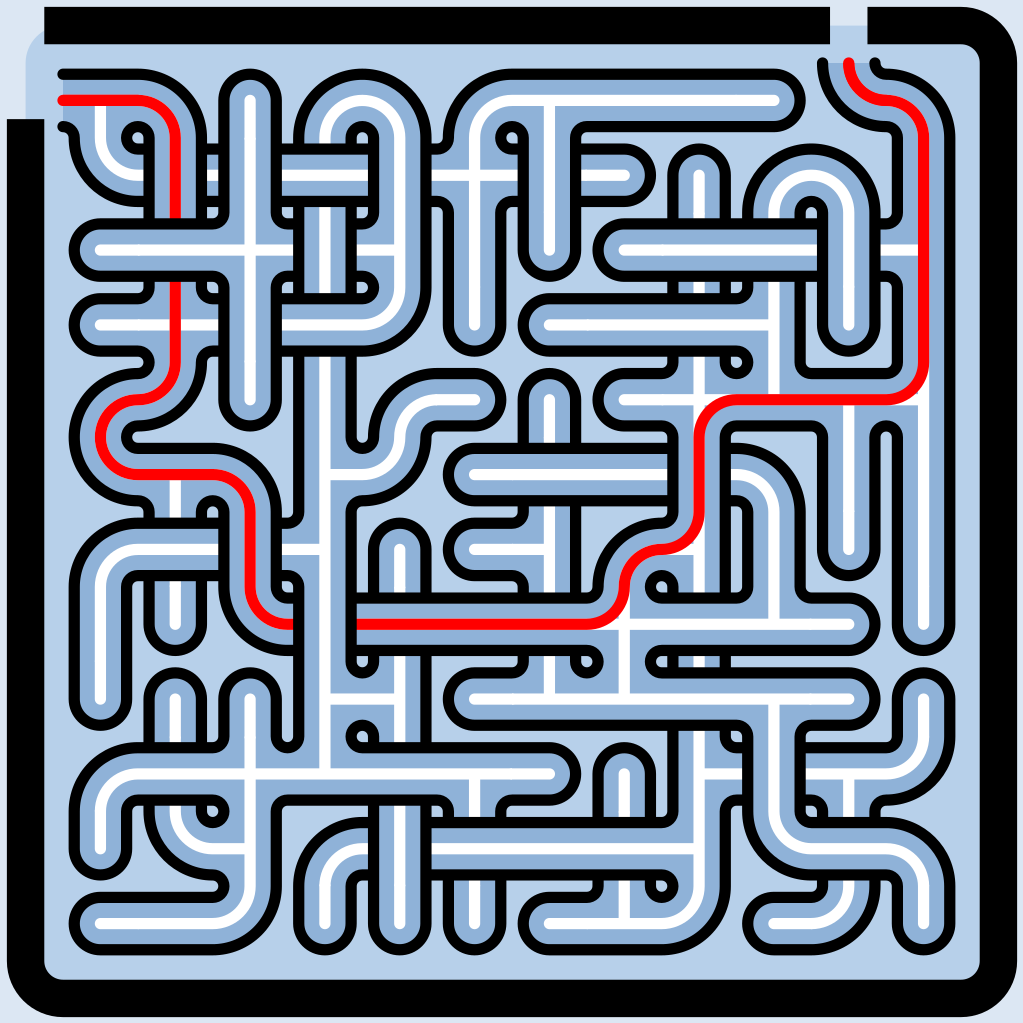
The two multiply. Cells across × pixels per cell gives the maze grid’s size in pixels, and the finished image is that grid plus a margin — an enabled Border reserves room for its offset and stroke, so the export comes out a little larger than the bare grid. Turn the Border off and the margin goes with it (see Layers).
Size across topologies#
A cell is not the same shape on every grid, so the same 30 × 30 covers a different area — and a different silhouette — on hex or triangle than it does on square. The number is always a count of cells, never a measurement. Topology walks the five grids.
If the level carries a shape, width and height describe the box the shape is fitted into, and the maze is then cropped to the silhouette — so the finished maze can be smaller than the box you authored. That is expected; see Shapes & masks.
The seed#
The seed is where all the maze’s randomness comes from. The studio shows it as a short code of letters and numbers, and the promise is exactly as simple as it sounds: the same code always makes the same maze. Change one character and you get an entirely different one.
Underneath, the code is just a compact way of writing a whole number between 0 and 4,294,967,295. You never have to think about that number — What is a maze seed? explains the idea properly if you want it.
Typing a code#
The field is case-insensitive — type lower case and it will show upper case — and it cleans up as you go, dropping spaces and punctuation so a pasted code just works. A code that is out of range is refused, not rounded: the maze keeps its current seed while you finish editing, rather than quietly snapping to some other maze.
Rerolling#
The ↻ button at the edge of the field (Randomize seed) mints a fresh one. This is the normal way to shop for a maze: settle your size, topology and styling first, then reroll until the shape of the thing appeals to you. Everything else stays exactly as you left it.
Reproducibility#
One seeded stream drives everything random, in a fixed order: the generator’s walk, the search for entry and exit, and the single-path cut. Nothing reads the clock and nothing depends on the machine, so the same recipe and the same code rebuild the same maze anywhere, any day. (The single-path modes live in Advanced — see Passages & structure.)
The payoff is that a maze is a design you can return to rather than a lucky accident you have to hoard. The recipe you liked last year can be re-rendered at a new cell size for a poster, or at a small one for a puzzle book page, and it is the same maze both times.
When a change regenerates#
Width, height, cell size and seed are all geometry — they change the maze itself, not just its paint — so they cannot repaint live. The studio collects them and raises the Regenerate banner over the canvas; the maze rebuilds when you click it.
- Waits for Regenerate: width, height, cell size, seed, topology, shape, and the structure controls.
- Repaints instantly: colors, layer visibility and stacking order, and the live widths.
Picking a size#
There is no wrong answer, but the range has a feel to it worth knowing before you go hunting:
- Around 10 × 10 — solvable in a few seconds. Placemats, kids’ activity sheets, icons.
- Around 30 × 30 — the default, and a good page-sized puzzle: a few minutes of work.
- 60 × 60 and up — a genuine sit-down challenge, and where posters start to make sense.